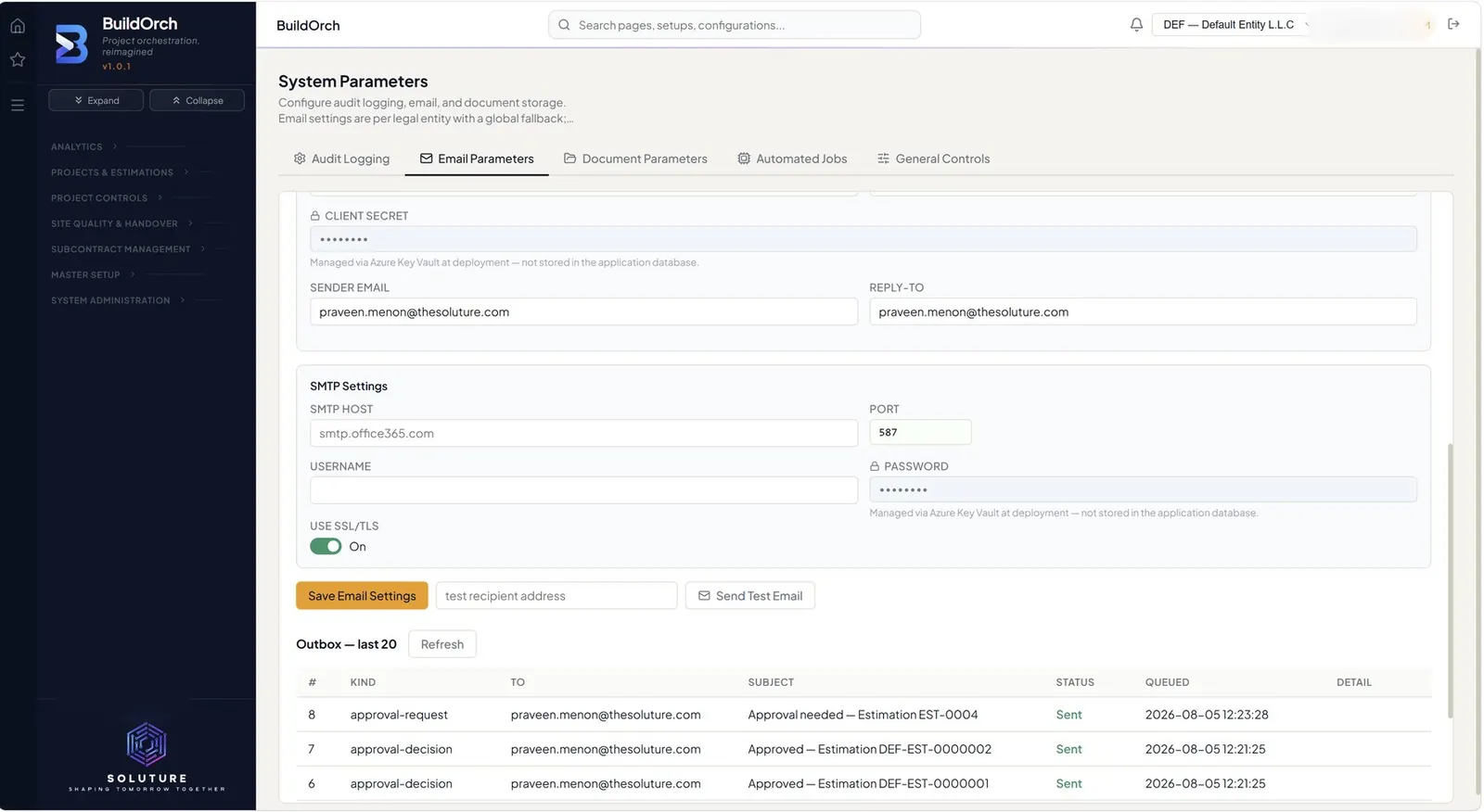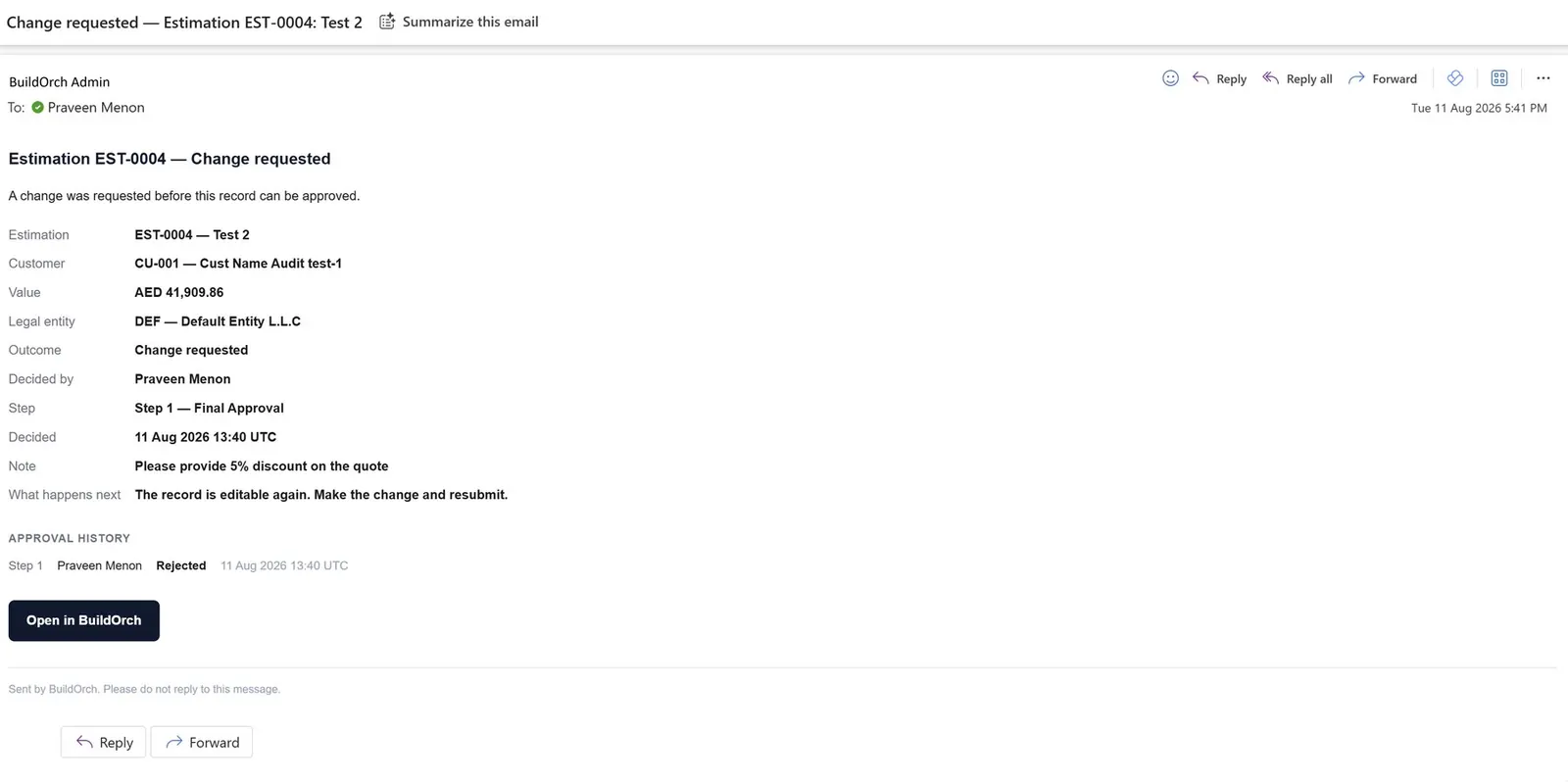
Approvals, reports and reminders leave BuildOrch as real email — queued, sent from your own domain, logged, and visible in an outbox you own. Not a mail merge, and not a black hole.
Everything else stays a notification inside BuildOrch. Email is reserved for the moments where somebody outside the screen has to act.
The moment a record is submitted, the approvers on the matched level are emailed. When the decision comes back, the person who submitted it is told.
Client-facing reports carry an Email button. Compose, attach the PDF and send from your own domain — the same document the client would have received by hand.
A recurring sweep over open approvals chases what has gone quiet, with the waiting threshold set on the approval rule itself.
Email is the least reliable thing in any enterprise system. BuildOrch treats it that way.
Recurring email runs on the same background engine as every other scheduled task, with progress, pause, retry and a job log.
Schedules live in the Job Center alongside every other background task, so a reminder sweep is inspected and controlled exactly like the rest.
How long an approval may sit before it is chased is configured on the approval rule, not buried in code.
When a reminder is ignored past its threshold, the chase moves up the chain rather than repeating into the same silent inbox.
What was sent, to whom, when — and what the mail server said back.
Approvals chase themselves, reports reach the client from your own domain, and every message leaves a record you can point at.